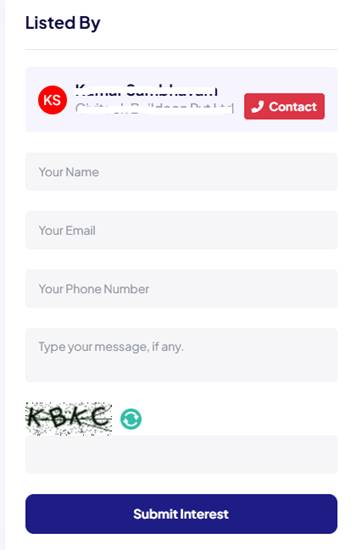
Please follow below steps to get connected:
Step 1: Click on the Property card in which you are interested
Step 2: The Property detail page or Listing detail page will open. On right corner, you will find the “Contact” button
Step 3: Click on “Contact” button. You will get the contact number of Owner/Seller/Agent, and you can contact them immediately by calling.
Step 4: Additionally, there is a contact form below that you can use to send your queries, though the response time might be slightly slower.