Follow the steps below:
Step 1: ‘Login’ to your account.
Step 2: Go to 'Dashboard' and then to ‘Listings’
Step 3: You will find a card of your Property under Rent OR Sell – according to the previous listing done.
Step 4: Click on ‘Update’ button to make the new changes.
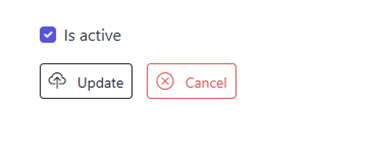
Step 5: Go to the option ‘Is active’ at the bottom of the page to deactivate/reactivate the listed property on the website. If the option is ticked as below, the property will appear on the website and if you remove the tick, the property will not appear on the website.