If you have forgotten your password, follow below steps to set new password:
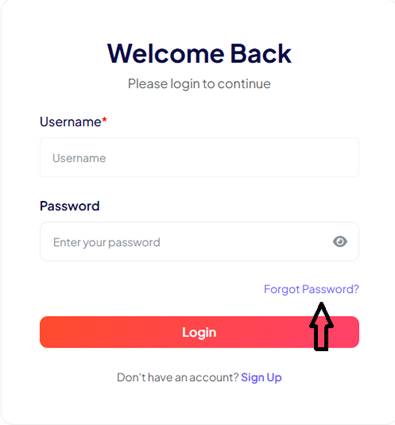
- Click on “Forgot Password?” link on login page
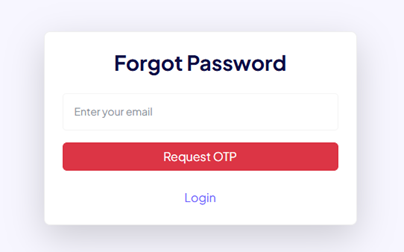
- Below new page will appear, enter your email id and click on “Request OTP”
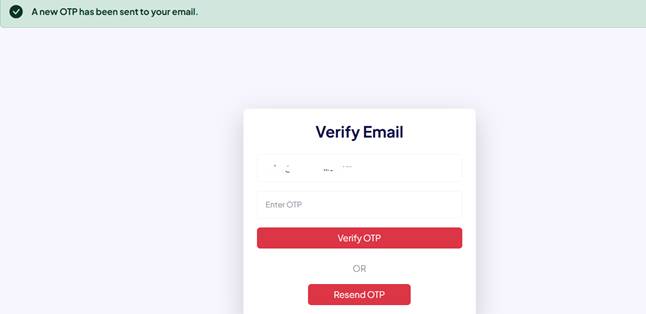
- OTP will be sent to your email, enter OTP and click on “Verify OTP” button
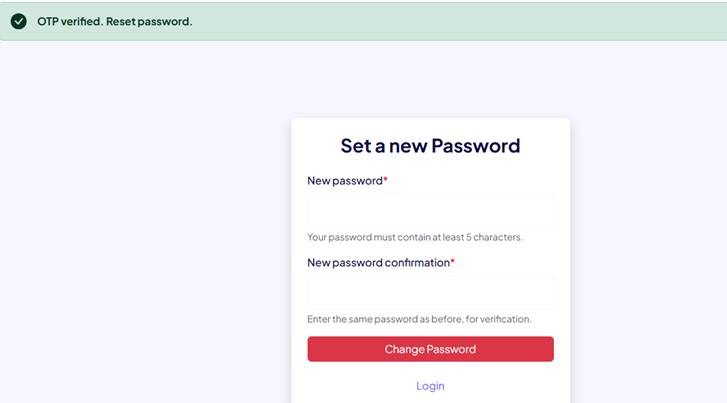
- Once OTP verified, you can set a new password. Choose your new password and click on “Change Password” button